![White_Bowimi_Logo_2025.png]](https://help.bowimi.com/hs-fs/hubfs/White_Bowimi_Logo_2025.png?height=40&name=White_Bowimi_Logo_2025.png)
Pre-Requisites:
- You must have permissions to set up shortcuts on the app.
Steps:
-
Navigate to the Tasks tab on your account.
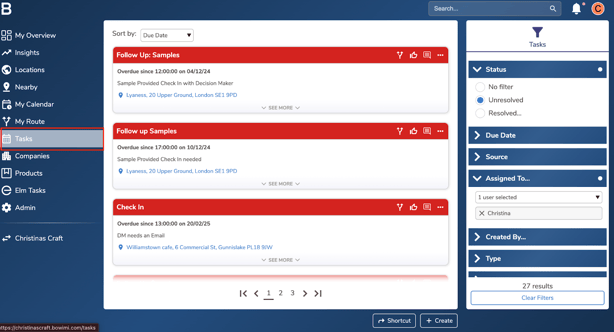
- On the Tasks page, use the “Filters” on the right to view the task list you need based on status, due date, or user. You can sort the task list via the “Sort By” drop down at the top.
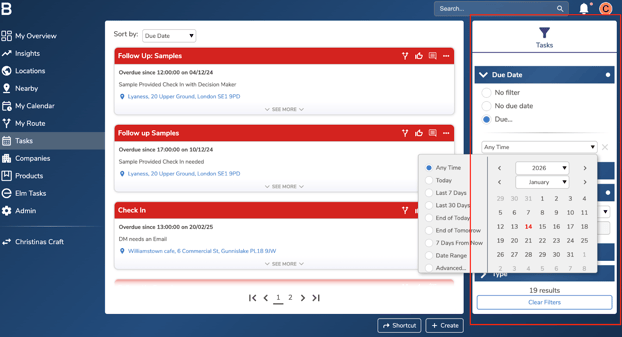
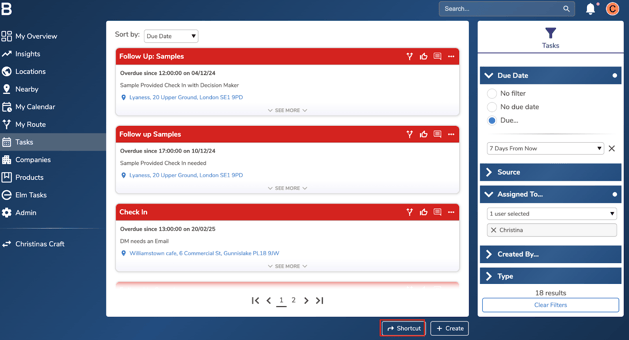
- Click on “Shortcut” to name your task list to pin.
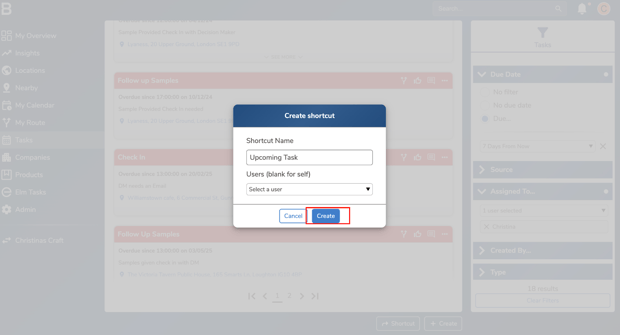
- Name your shortcut list and click “Create”.
- Navigate to the home page of the app to access/manage the list:
Desktop View: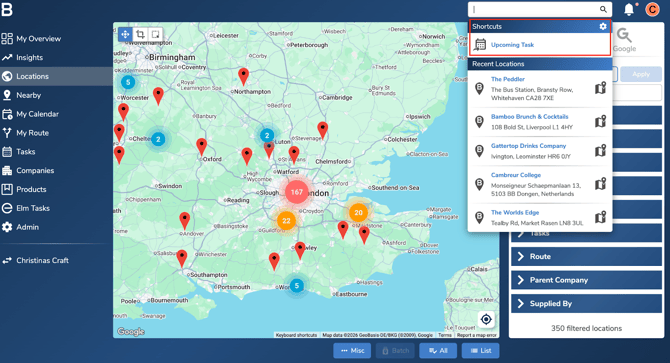
Phone App View: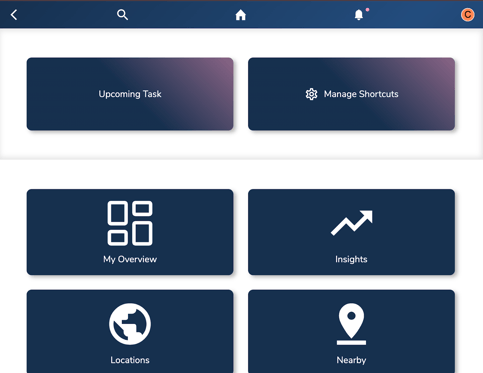
Troubleshooting:
If you are facing any issues, please contact the Bowimi Support Team for help.