![White_Bowimi_Logo_2025.png]](https://help.bowimi.com/hs-fs/hubfs/White_Bowimi_Logo_2025.png?height=40&name=White_Bowimi_Logo_2025.png)
Step-by-Step Instructions
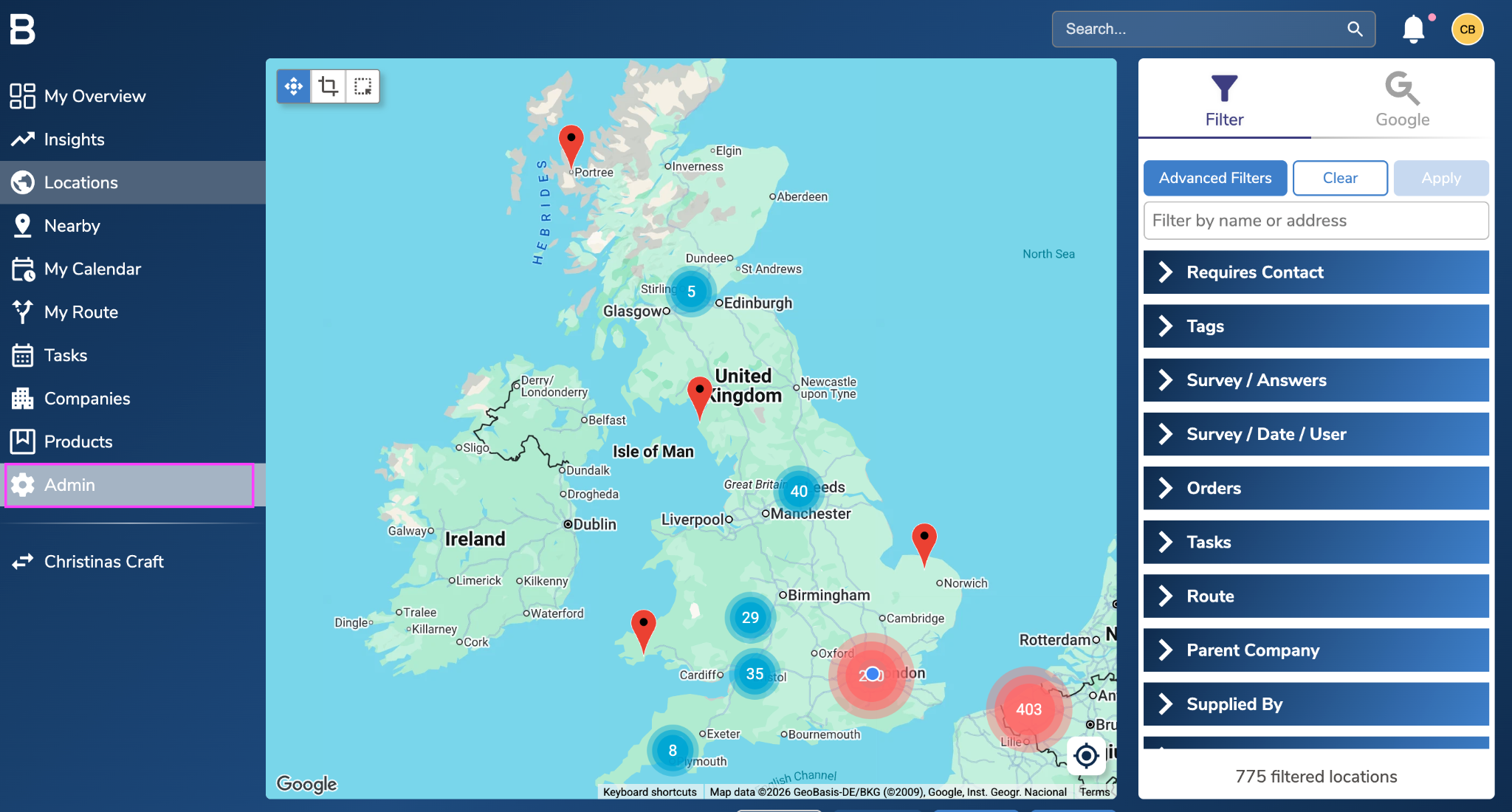
- Go to the Admin page.
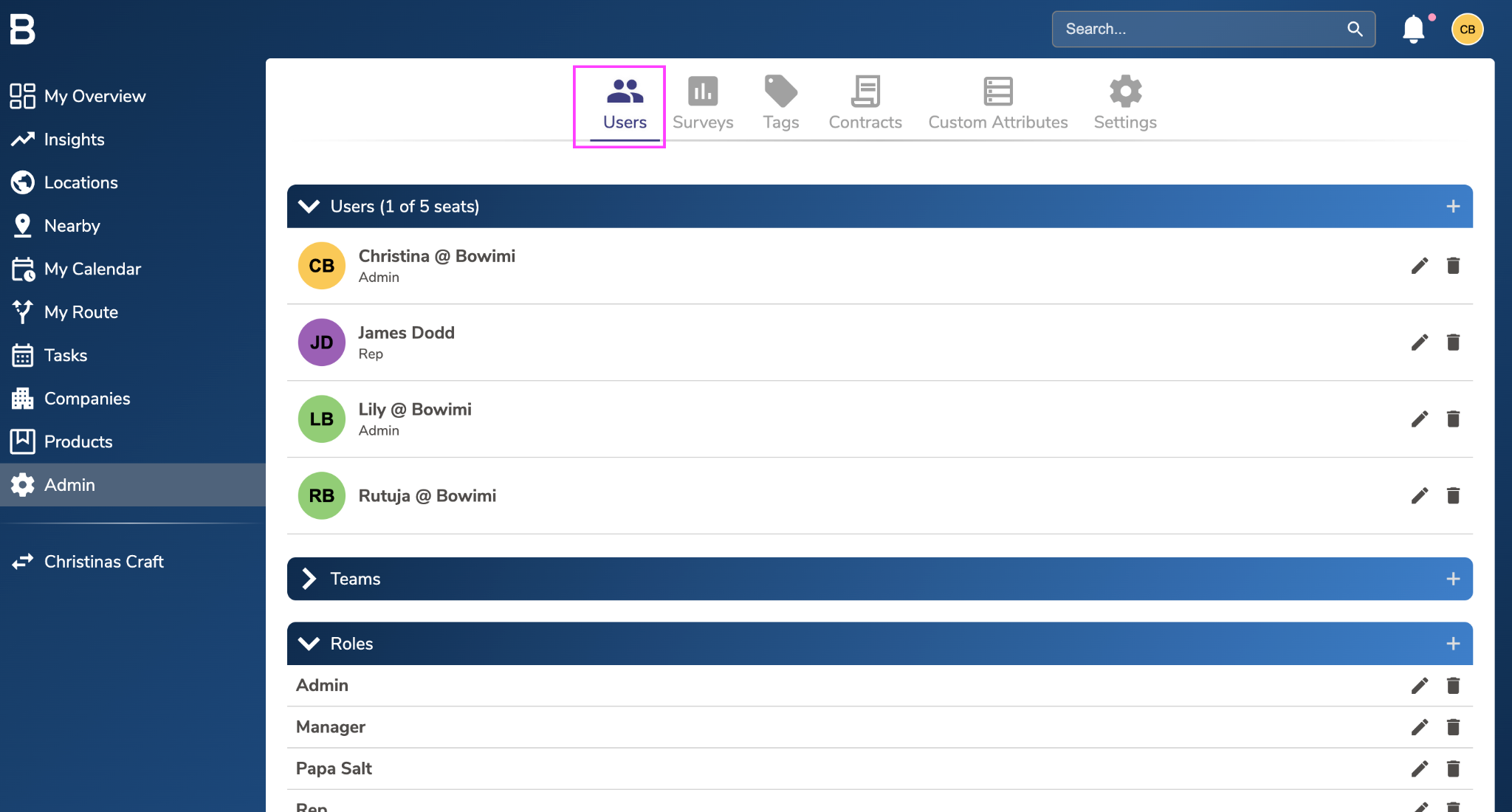
- Open Users > Roles.
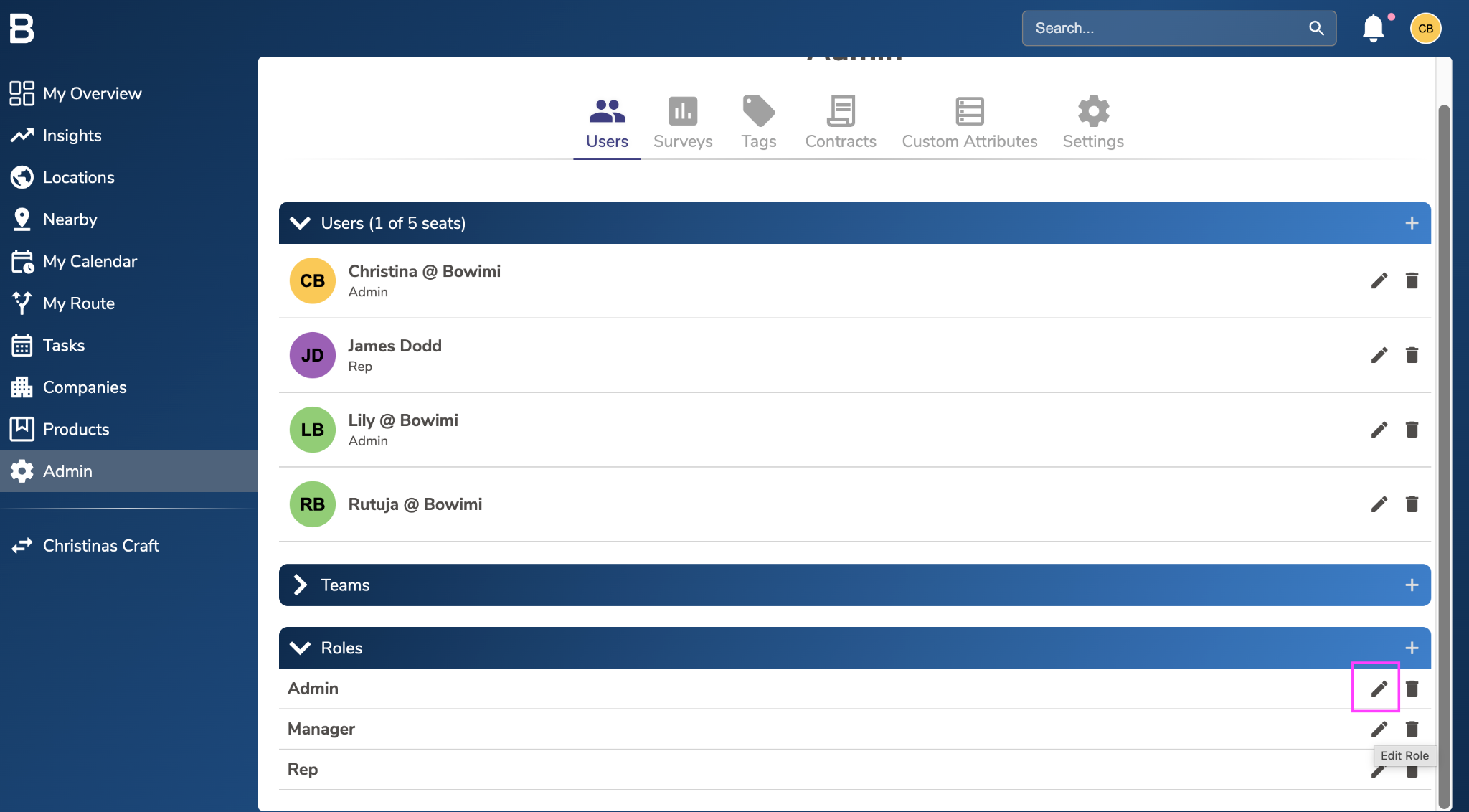
- Click the pencil icon next to the role you want to edit.
4. Review permissions using the visual hierarchy:
- Lock icon: Inherited from a higher-level permission
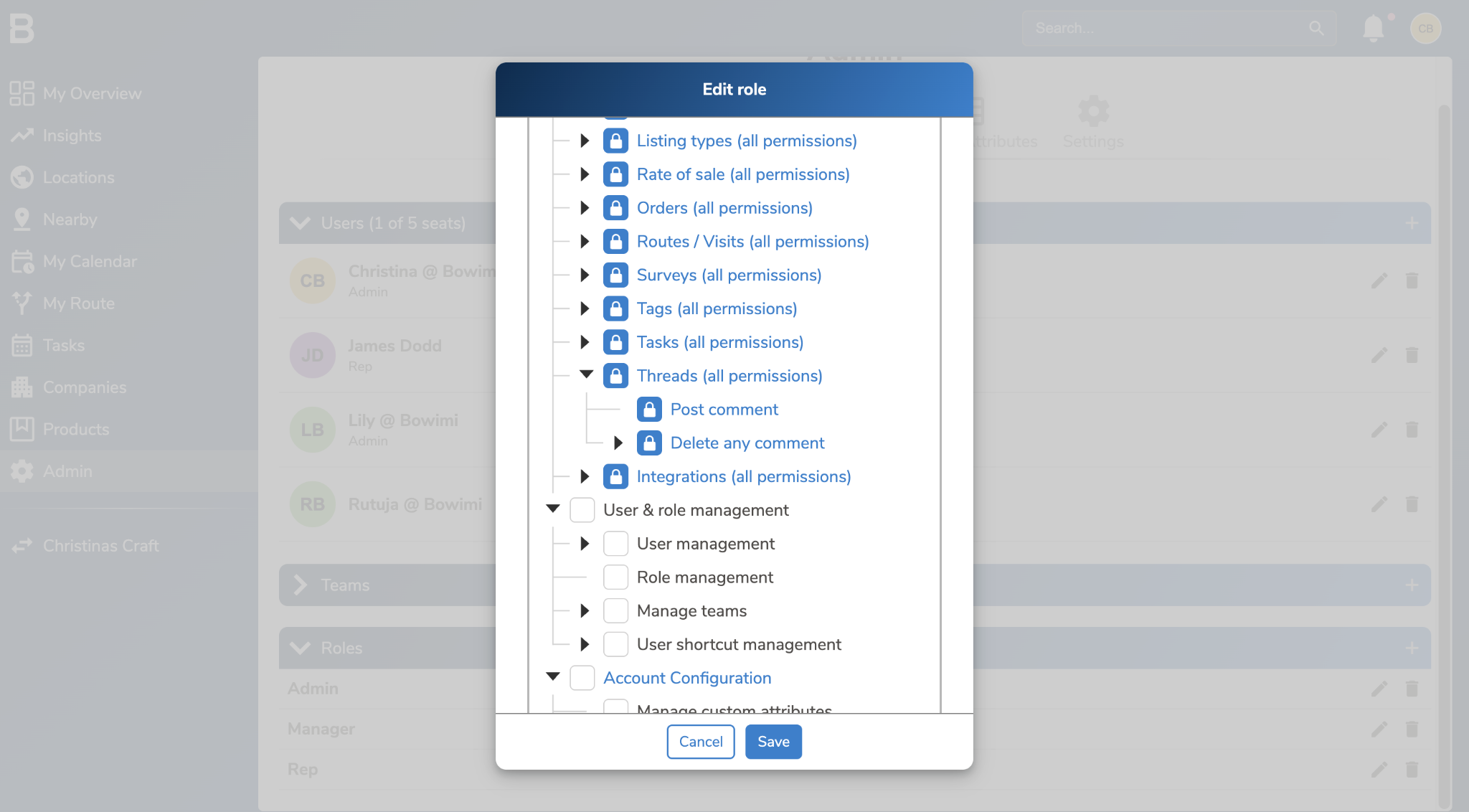
- Checked box: Actively granted
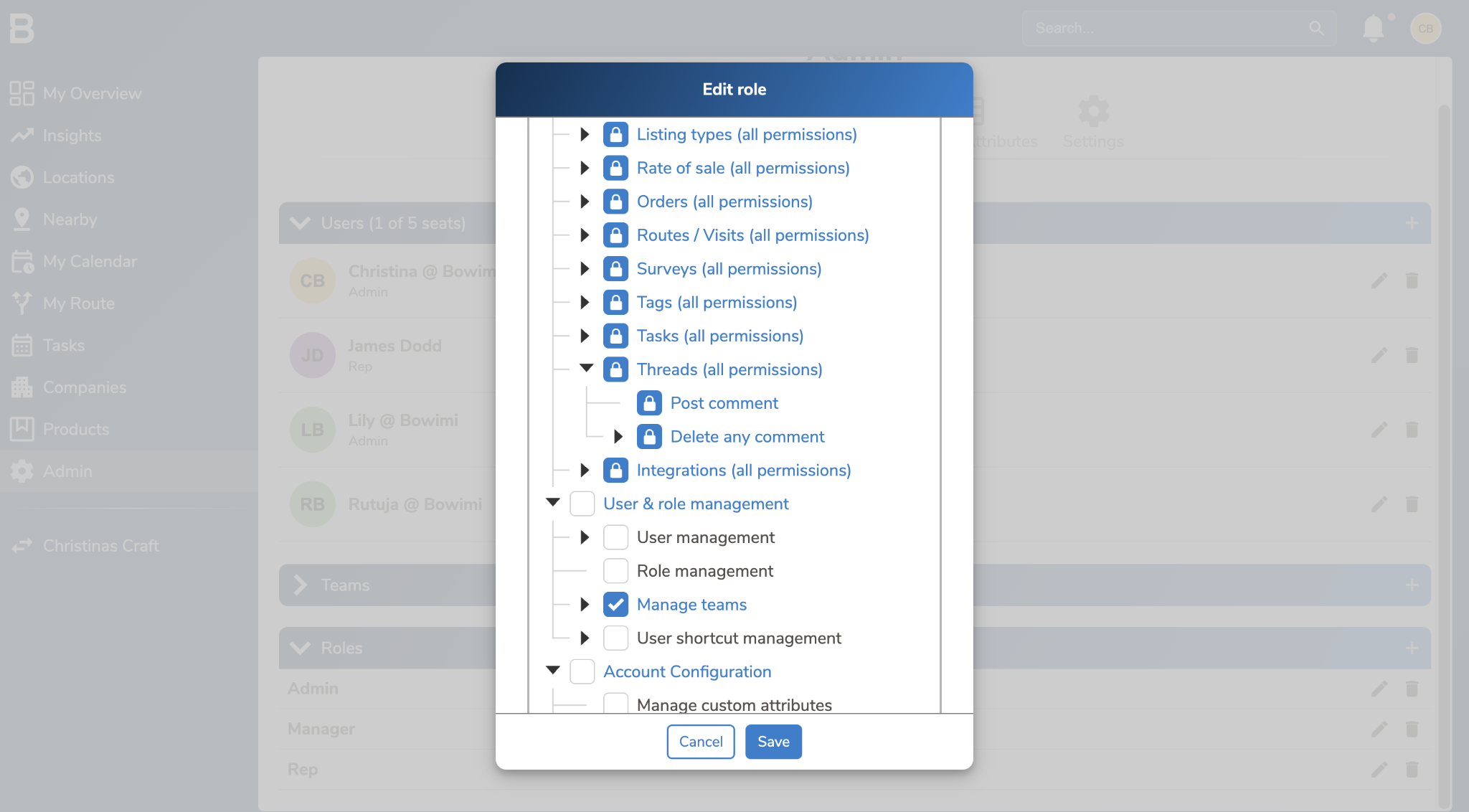
- Greyed out: Not granted
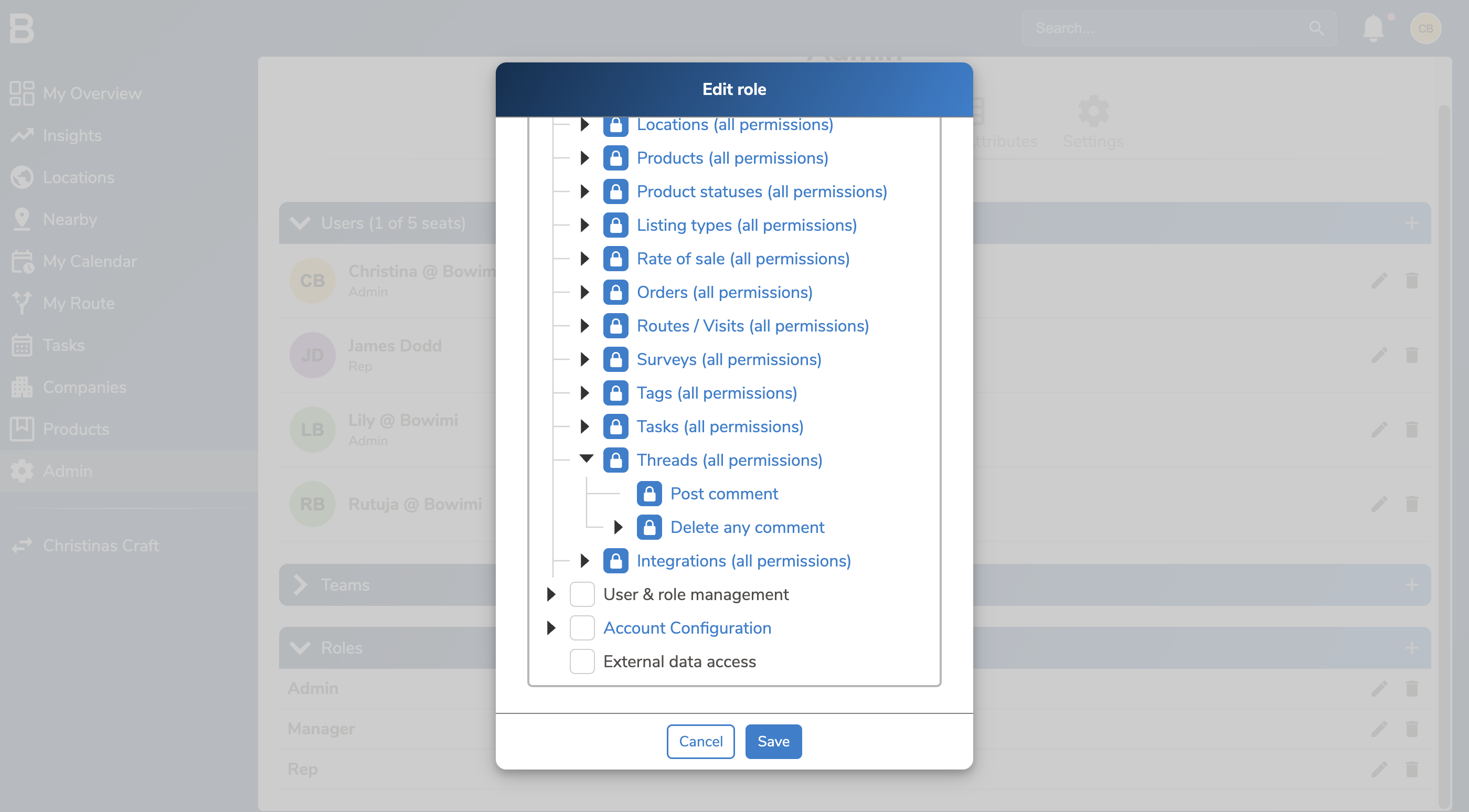
Tip: Make changes role by role, starting from the top-level permission if you want full control over what is inherited. If you need to manage owners, navigate to the Users area by editing the specific user and assigning owner access.
Troubleshooting
Note that these edits can be managed by Admins only on the account.
In case of issues, contact support@bowimi.com