![White_Bowimi_Logo_2025.png]](https://help.bowimi.com/hs-fs/hubfs/White_Bowimi_Logo_2025.png?height=40&name=White_Bowimi_Logo_2025.png)
Steps:
-
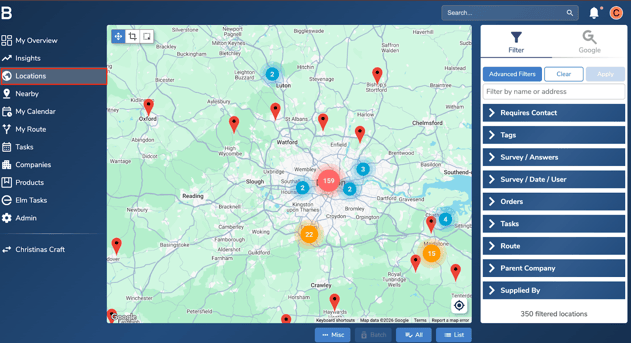
Go to the Locations tab in your account.
-
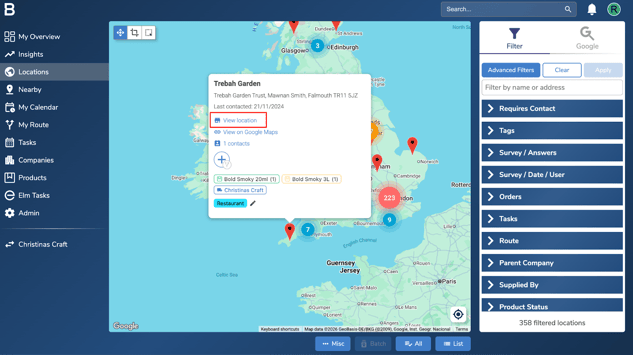
Search for the location using the search bar, then click “View Location” to open it.
-
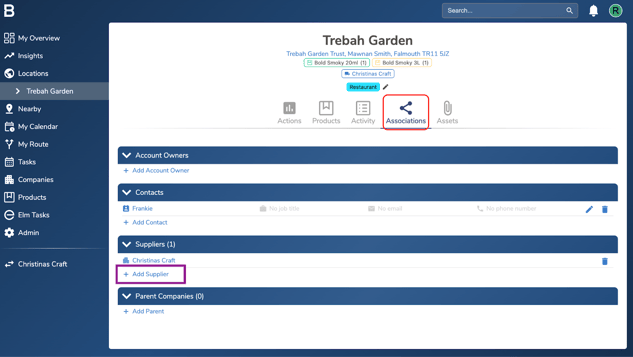
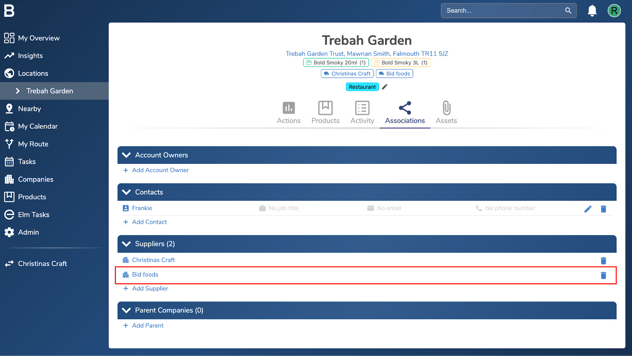
Go to the Associations tab and click “Add Suppliers”.
-
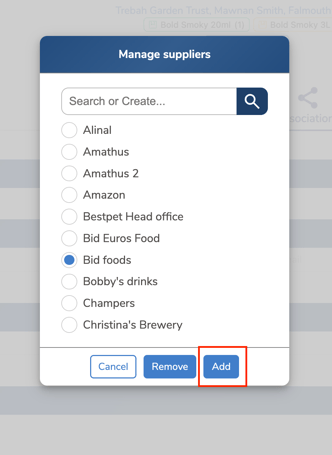
Select the supplier and click “Add” to link the supplier to that location.
-
If you want to remove a supplier from a location, follow steps 1-3 and click the bin icon next to the supplier name to remove it.
Troubleshooting:
If you are still having issues, please contact the Bowimi Support Team for help.