![White_Bowimi_Logo_2025.png]](https://help.bowimi.com/hs-fs/hubfs/White_Bowimi_Logo_2025.png?height=40&name=White_Bowimi_Logo_2025.png)
Pre-Requisites:
-
You must have a distributor added for this to populate or use the Direct company.
-
If you don’t have permissions, please contact the admin to have it created.
Steps:
-
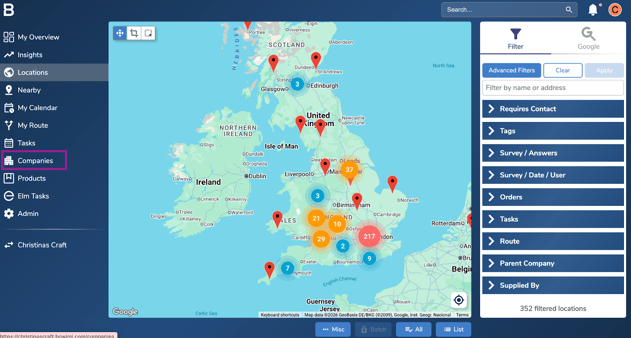
Navigate to the Companies tab.
-
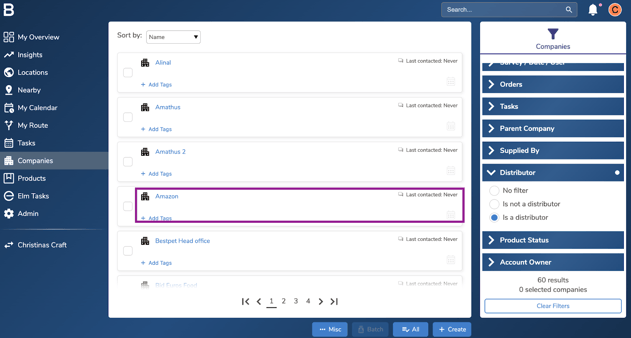
Select the distributor you wish to manage profile for (or your company for direct).
-
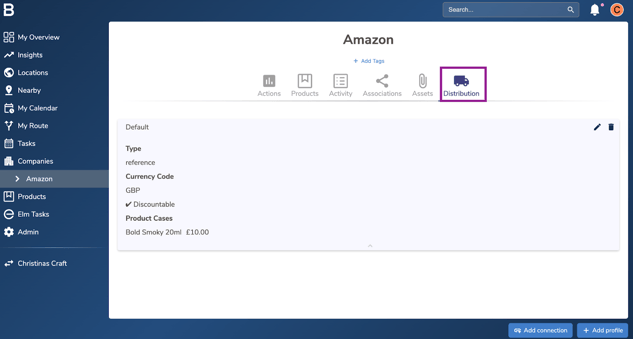
On the desired distributor, Click the “Distribution” tab.
-
Select the pencil icon on the distribution profile you want to edit.
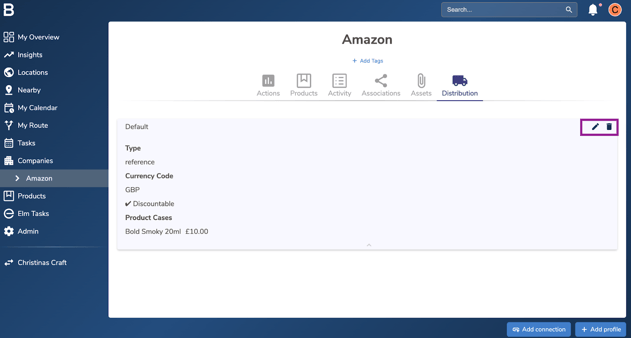
Note: To delete a distribution profile click the bin icon, at which point you will be asked to confirm as this cannot be undone.
-
Edit the profile either by:
Updating the Distributor Email Address: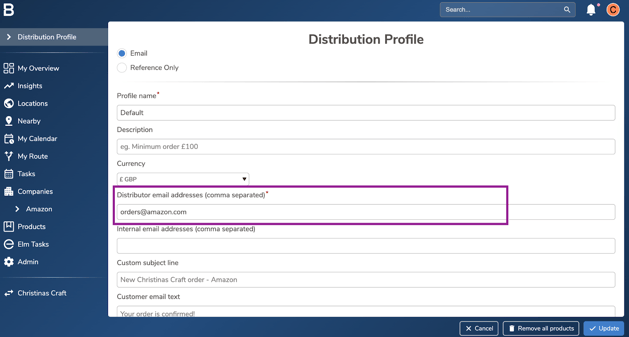
Adding a new product line: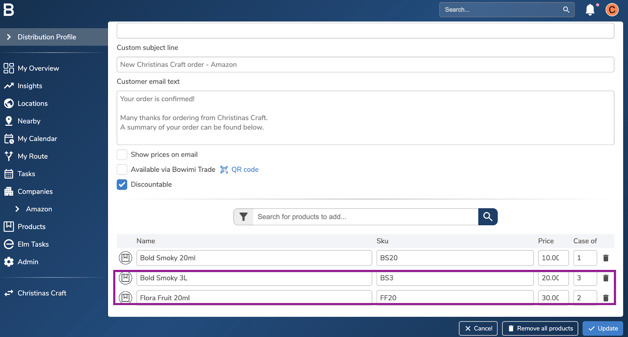
Amending subject/email text to send customers: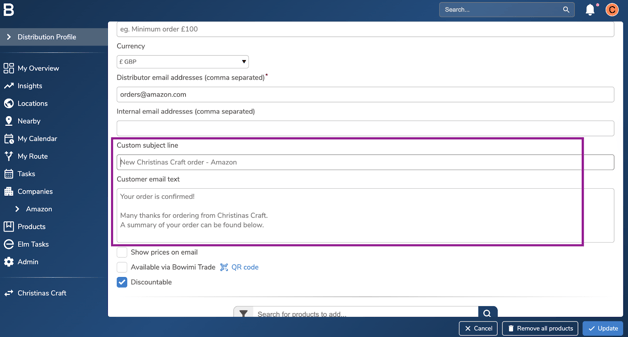
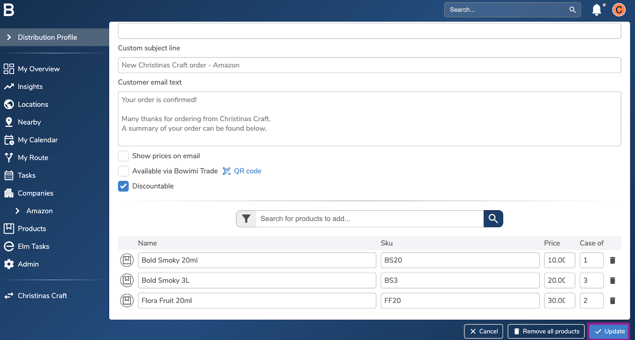
- Click ‘Update’ to save the changes.
Troubleshooting:
-
Issue with the profiles?
-
Ensure the order profiles are configured for the appropriate distributor.
-
Keep each distributor’s product list up to date within its order profile.
-
-
Still having issues?
-
Contact the Bowimi Support Team for help.
-