![White_Bowimi_Logo_2025.png]](https://help.bowimi.com/hs-fs/hubfs/White_Bowimi_Logo_2025.png?height=40&name=White_Bowimi_Logo_2025.png)
Steps:
-
Select the Locations tab.
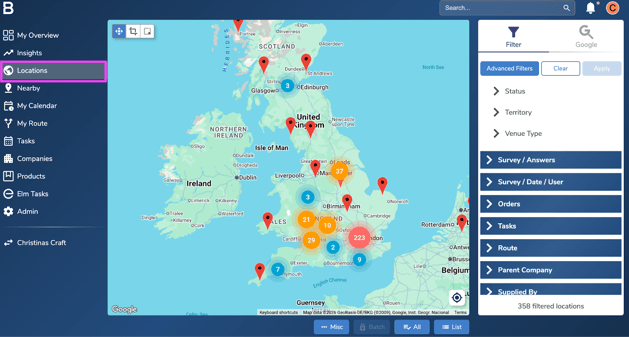
- Select the locations you want to remove the Parent company from. You can use the cropping tool on the top left corner or the filters on the right to filter locations.
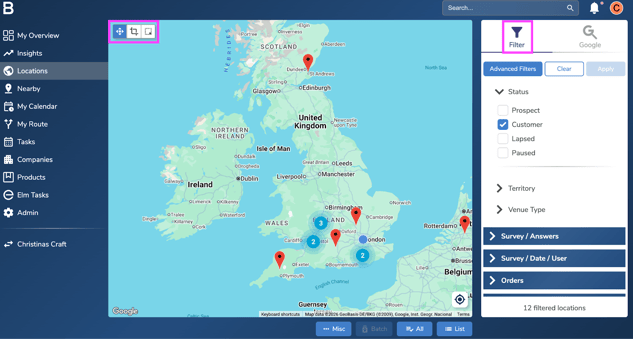
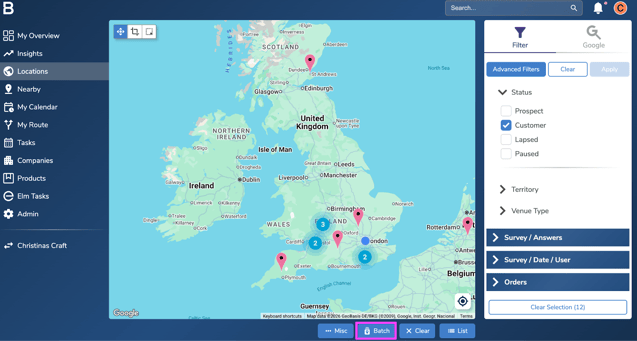
- After filtering the locations, click ‘All’ at the bottom of the screen and next click the ‘Batch’ option beside it.
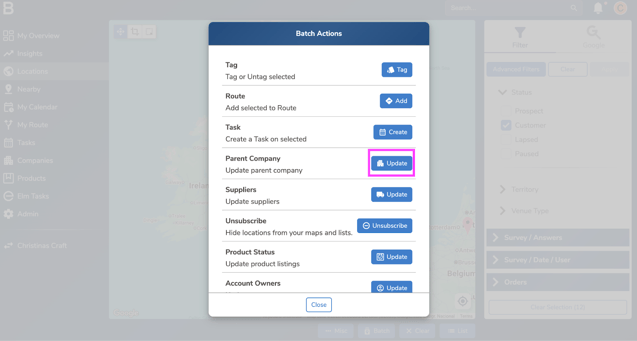
- Go to the ‘Parent Company’ option and click on the ‘Update’ button in front of it.
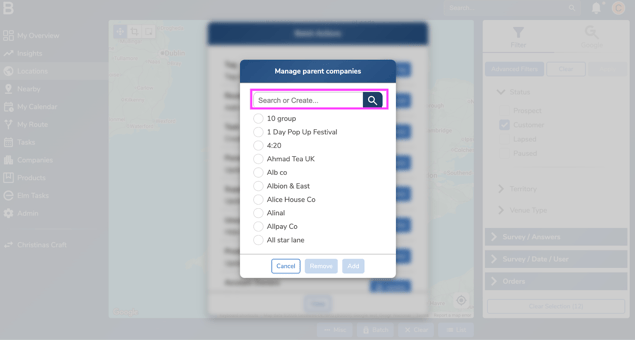
- Search for a parent company to remove on the pop up.
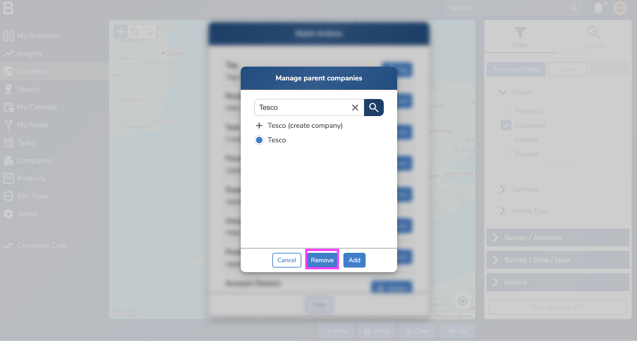
- Click “Remove” and the locations selected would be updated.
Troubleshooting:
-
Cannot remove parent company?
- Ask your Admin or leadership team to update your permissions.
-
Still having issues?
- Contact the Bowimi Support Team for help.