![White_Bowimi_Logo_2025.png]](https://help.bowimi.com/hs-fs/hubfs/White_Bowimi_Logo_2025.png?height=40&name=White_Bowimi_Logo_2025.png)
Step 1:
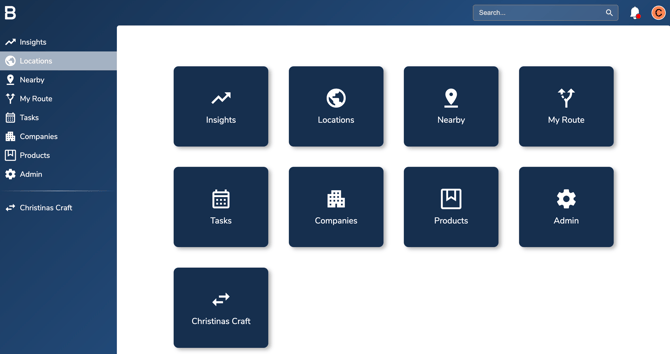
Navigate to the locations page
Step 2:
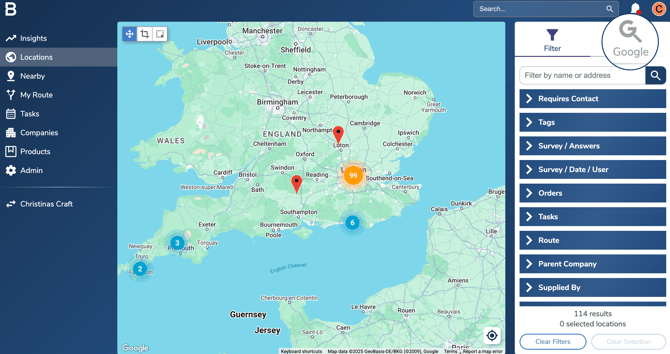
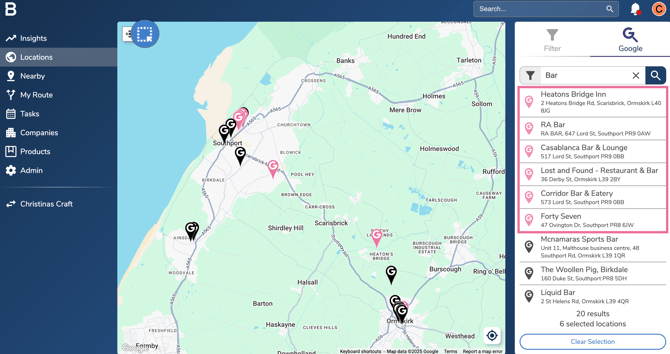
Select the prospecting (Google) tab
Step 3:
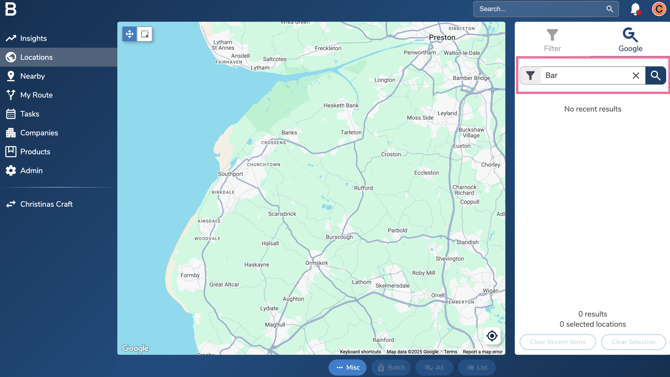
Input the search term into the search bar and click search
Step 4:
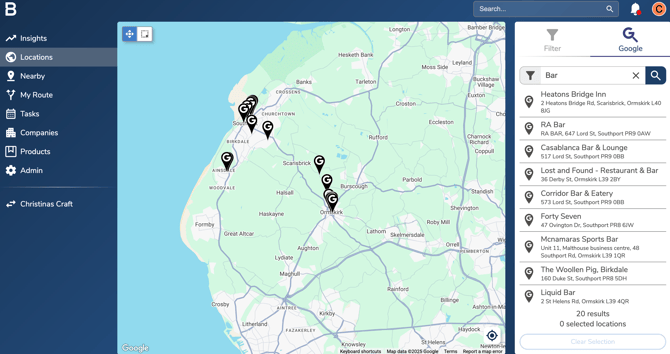
You will then see a list of locations that match your search term
Step 5:
Select the locations you want to action either by clicking the location marker icon on the list or by using the drag
Step 6:
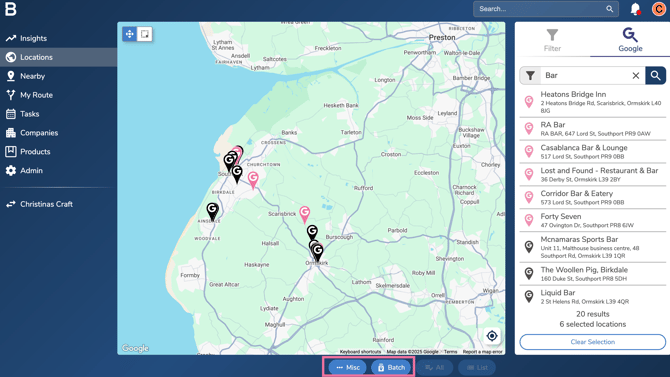
You can then save the prospects by completing a batch action
Troubleshooting:
If you face any issues, please contact the Bowimi Support Team for help.